
Claude AI Trading: The TradingView MCP vs Arrow Algo (What You Need to Know)
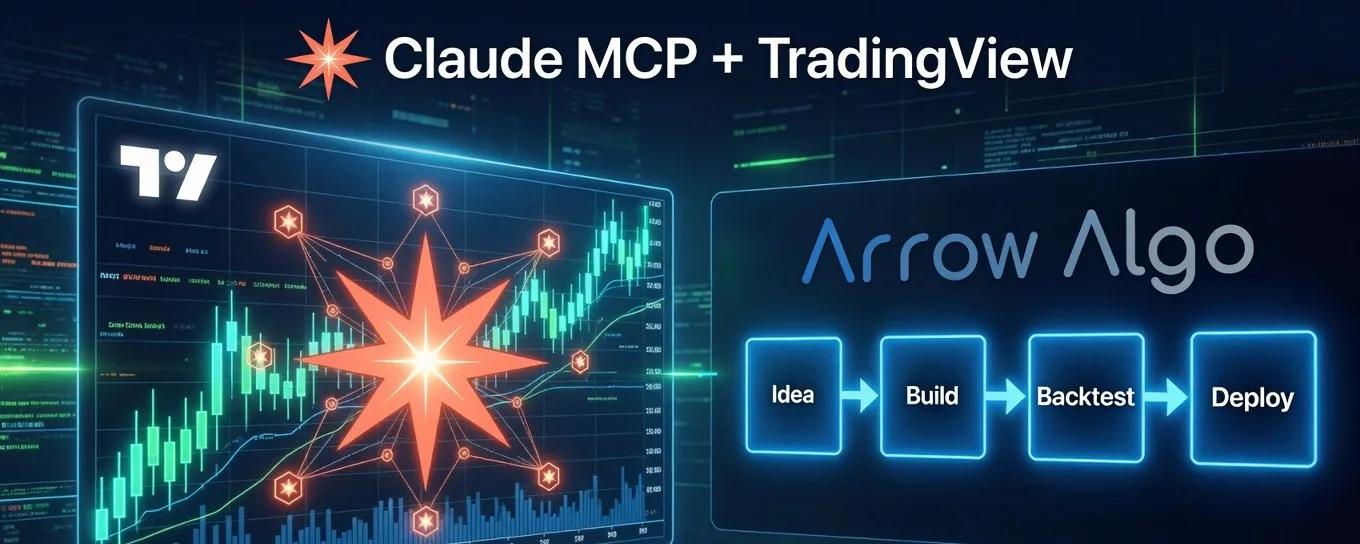
Claude AI trading is one of the most talked-about topics in the retail trading community right now — and the excitement is completely justified. The ability to connect an AI directly to your trading environment, describe a strategy in plain language, and have it built, tested, and executed automatically is genuinely new. But not all Claude AI trading setups are equal, and the differences matter more than most traders realise.
This article breaks down the two main approaches — Claude connected to TradingView via MCP, and Claude connected to Arrow Algo via its native MCP server — and explains what each one actually does in practice.
What the Claude and TradingView MCP Integration Actually Does
The TradingView MCP integration that’s been generating enormous buzz across trading communities is genuinely impressive. This isn’t Claude looking at a screenshot of your chart — that’s the old way. The MCP integration reads live chart data at the code level. Claude knows the precise value of every candle and every indicator in real time.
From there it can write and deploy Pine Script strategies, run a basic backtest, scan a watchlist, and execute live trades on connected exchanges. For something the community built from scratch, it moved the needle significantly for retail traders.
But there’s a ceiling. And once you understand where it is, you’ll want to know what comes next.
The Setup Reality
Getting the TradingView MCP integration running requires real technical effort — cloning repositories, running terminal commands, configuring environment files, and setting up a separate cloud hosting service to keep it running continuously. For traders with a developer background, it’s manageable. For everyone else, it’s a meaningful barrier.
Arrow Algo’s MCP server takes a completely different approach. Setup is one line of code — generated automatically from your Arrow Algo account settings page with a single click, then pasted into your Claude Code terminal. That’s the entire setup. No repos, no environment files, no hosting configuration.
Where Pine Script Becomes the Ceiling
The TradingView integration works through Pine Script — TradingView’s own coding language. Claude can write it, which is impressive. But you still need to understand it to work with it meaningfully. To modify a strategy, debug unexpected behaviour, or build something more complex, you need a developer’s mindset.
The strategies expressible in Pine Script also have real limits. Multi-condition logic, cross-asset signals, custom filters — the things serious systematic traders actually need — become genuinely difficult without deep coding knowledge. And Pine Script’s built-in backtester gives you a basic equity curve and summary statistics. Useful as a starting point. Not what you’d rely on to validate a strategy before running it with real money.
Arrow Algo’s MCP: The Same Conversation, Far More Power
Arrow Algo has built a native MCP server on the same open standard. Connect Claude to it and the comparison becomes clear.
No code. Ever. Arrow Algo is a visual block builder. Claude builds your strategy by placing blocks on a canvas — indicators, conditions, entry and exit logic — all visible and editable by drag and drop. No Pine Script. No terminal commands after the initial one-line setup.
Backtesting that actually tells you something. Arrow Algo’s backtester provides debug data at specific timestamps, full signal history, order logs, and walk-forward testing — the method that validates your strategy on data it was never optimised against. There’s no equivalent on the TradingView side.
Strategies with real depth. The block system handles complex multi-condition logic cleanly — things that would require significant Pine Script expertise to replicate, if they’re even possible at all.
Exchange integration built in. Arrow Algo connects natively to Binance, Bybit, Coinbase, MEXC, HyperLiquid, and BingX. No separate API configuration, no environment files, no third-party cloud hosting required. Live execution is part of the platform.
How the Arrow Algo MCP Setup Works
The setup process for connecting Claude to Arrow Algo is designed to be as simple as possible. Log into your Arrow Algo account, go to your account settings page, and click to generate your MCP key. Arrow Algo gives you a single command. Copy it. Paste it into your Claude Code terminal. Done.
From that point, Claude has direct access to the Arrow Algo platform. You can describe a trading idea in plain language and Claude will build it as a visual block strategy inside Arrow Algo. You can ask it to run a backtest and interpret the results. You can refine the strategy through conversation — no coding at any stage.
A Real Claude AI Trading Workflow on Arrow Algo
Here’s what this looks like in practice.
You tell Claude: “I want a Bitcoin strategy that buys during strong uptrends when the price pulls back to the 20 EMA, and only trades when ADX confirms the trend is strong. Stop-loss below the recent swing low, take-profit at 3x the risk.”
Claude builds that strategy as connected blocks in Arrow Algo — ADX block, moving average blocks, entry trigger, stop-loss, take-profit. You run a backtest against 12 months of real Binance data. The results come back. You bring them to Claude: “It’s taking too many losses during ranging periods.” Claude suggests adding a higher timeframe trend filter. You implement it. The strategy improves.
This entire process — from idea to tested, refined strategy — happens in a conversation, without writing a single line of code.
The Honest Summary
The TradingView MCP integration genuinely moved the needle for Claude AI trading. The community deserves credit for building it.
Arrow Algo’s MCP is what happens when the same idea is built into a platform designed for it from the ground up. Same AI. Same conversation interface. One writes code you still need to manage. The other builds, tests, validates, and runs your strategy — visually, properly, without a single line of code beyond the one-time setup.
For traders who want the full power of Claude AI trading without the technical ceiling, Arrow Algo is the natural next step.
Connect Claude to Arrow Algo — generate your MCP key in account settings and get started in minutes.
Trading involves risk. Past performance is not indicative of future results. This content is for educational purposes only and does not constitute financial advice.