
How to Automate Your TradingView Strategies (No Code Required)
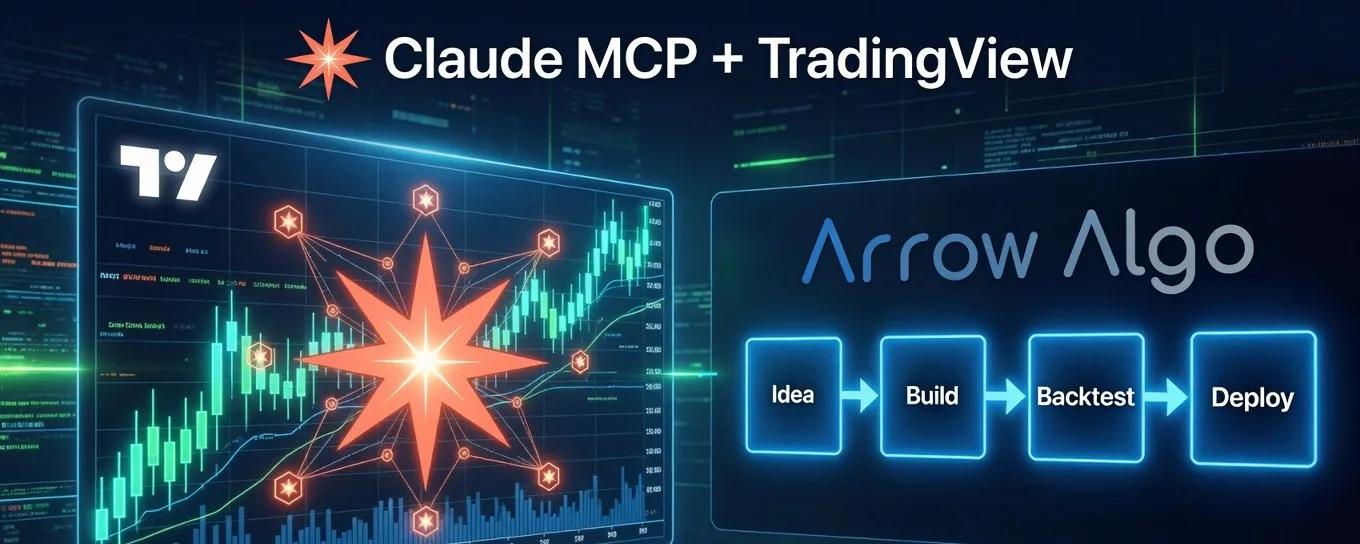
If you want to automate your TradingView strategies and run them around the clock without touching a line of code, you’re in the right place. Millions of traders use TradingView every day to analyse charts, apply indicators, and develop strategy ideas — but the analysis stays on the screen. The execution remains manual, emotional, and limited to the hours you’re watching.
This guide explains exactly how to automate your TradingView strategies, what your options are, and how to go from chart idea to a live automated strategy without any programming background.
Why TradingView Users Want to Automate Their Strategies
TradingView is exceptional at what it does. The charts are clean, the indicator library is vast, and the community of traders sharing ideas is one of the largest in the world. But TradingView was built for analysis — not automated execution.
The problem every serious TradingView user eventually runs into is the execution gap. Your strategy tells you to buy. You’re in a meeting. The signal passes. Or you’re awake, watching, but you hesitate — and hesitation costs you the entry. Or you exit early because watching a position move against you is uncomfortable, even though your rules say hold.
Automation removes all of that. When your TradingView strategy logic runs automatically on a connected exchange, it doesn’t miss signals, doesn’t hesitate, and doesn’t deviate from the plan.
The Problem With Manual Execution
Crypto markets run 24 hours a day, seven days a week. A strategy that trades the 4-hour chart generates six potential signals every single day — including overnight, over weekends, and during every hour you’re not at your screen. Manually monitoring for those signals isn’t sustainable, and even when you are watching, human execution introduces inconsistency that compounds across hundreds of trades.
Research consistently shows that traders who execute manually underperform the theoretical results of their own strategies — not because the strategy is flawed, but because people can’t follow rules with perfect consistency over time. Automation solves both problems simultaneously.
What Does It Mean to Automate a TradingView Strategy?
When traders talk about automating TradingView strategies, there are generally two routes. The first involves using TradingView’s alert system with webhooks to fire signals to a server, which then places orders on an exchange. This works in theory, but it requires technical infrastructure — servers, environment configuration, and ongoing maintenance. When something breaks during a live trade, it becomes a stressful problem fast.
The second route — and the one that has become far more accessible — is rebuilding your strategy logic in a dedicated no-code strategy builder that connects to your exchange account and runs your rules automatically. Same logic. No infrastructure headache. No code required at any stage.
The No-Code Approach to Automating TradingView Strategies
No-code strategy builders let you build your strategy visually — dragging and dropping logic blocks and connecting them to form a complete set of rules. An entry condition block. An exit block. A stop-loss block. A position sizing block. Connect them in the right order and you have a fully automated strategy ready to run on a live exchange.
The translation from TradingView thinking to a visual block builder is more natural than it sounds. If you’ve been using TradingView to spot moving average crossovers, RSI signals, or breakout setups, those same concepts exist as blocks in the builder. The indicators are identical. The logic is the same. The difference is that your rules now run automatically and send the signal to your exchange every time the conditions are met.
Arrow Algo is built specifically for this. A visual no-code block builder that connects directly to Binance, Bybit, Coinbase, MEXC, HyperLiquid, and BingX, with full backtesting on real historical exchange data and live rules that signal your exchange account — no code required at any stage.
How to Take Your TradingView Strategy Live in Five Steps
Step 1: Define your rules precisely. Automation demands precision. “Buy when it looks strong” can’t be built into a system. “Enter long when the 20 EMA crosses above the 50 EMA on the 4-hour chart and RSI is below 65” can. This precision is a feature — it forces you to articulate exactly what your strategy is, which makes it testable.
Step 2: Build it in a visual block builder. Translate your rules into connected blocks — entry condition, exit condition, stop-loss, take-profit, position size. A simple strategy typically takes minutes.
Step 3: Backtest against real historical data. Run your strategy against real price data from your target exchange, with realistic trading fees included. This shows you how it would have performed — including its worst drawdown periods — before you risk real capital.
Step 4: Paper trade. Run the strategy in live market conditions without real money. Confirm it behaves as expected and that you’re comfortable with how it trades.
Step 5: Go live. Connect your exchange account, set your allocation, and let the strategy run. Monitor periodically — resist the urge to intervene on individual trades.
What You Can Automate Without Writing Code
The range of strategies you can run through a no-code platform is broader than most traders expect. Trend-following strategies that enter when momentum is established and exit when it fades. Mean reversion strategies that identify overextended moves and trade the return to average. Breakout strategies that catch the move when price pushes through a key level. Multi-condition strategies that only enter when several indicators align simultaneously, filtering out low-quality signals.
Sophisticated risk management is also fully available — trailing stops that move with the price, daily loss limits that pause trading after a bad session, volatility-adjusted position sizing. All through visual blocks. No programming required.
Using AI to Design Your Strategy
One development that’s accelerating how quickly traders can build and refine strategies is AI-assisted strategy design. Describe your trading idea in plain language to an AI like Claude, and you can receive specific, structured, buildable logic back — which indicators to use, how to combine them, what filters to add.
Arrow Algo has a native MCP server that lets Claude connect directly to the platform. Setup takes one line copied and pasted into your Claude Code terminal, generated directly from your Arrow Algo account settings. Once connected, Claude can help build, test, and iterate on strategies inside Arrow Algo without leaving the conversation.
Getting Started
The tools to automate your TradingView strategies are available right now, they require no technical background, and the gap between having a strategy idea and running it automatically has never been smaller.
The question is no longer whether you can automate your TradingView strategies. It’s whether you start today.
Build your first automated strategy on Arrow Algo — no code required.
Trading involves risk. Past performance is not indicative of future results. This content is for educational purposes only and does not constitute financial advice.