
Linear Regression Intercept (LinRegIntercept): Complete Guide for Algorithmic Trading
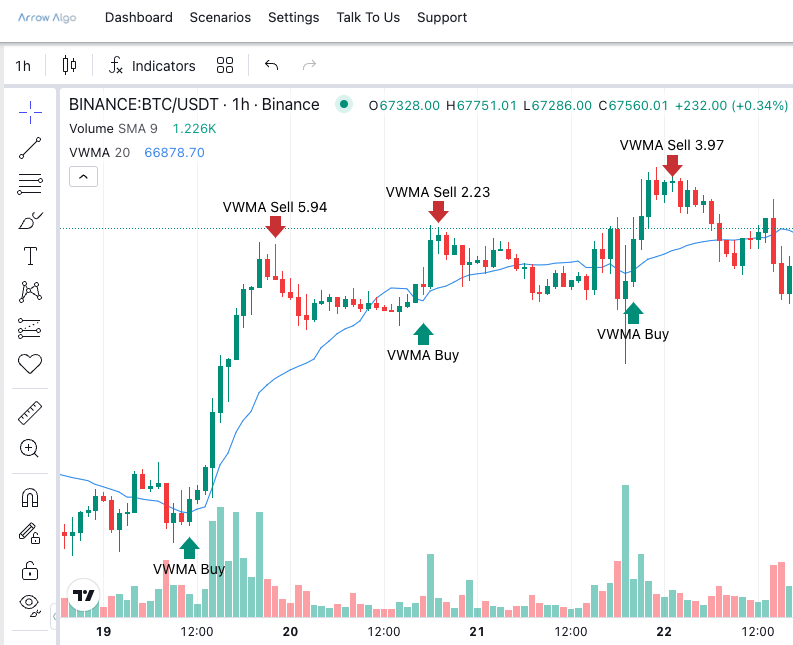
The Linear Regression Intercept is a statistical indicator that calculates the y-intercept of the best-fit line drawn through recent price data. Where most trend indicators report the current direction of price, LinRegIntercept tells you where the trend’s baseline started — a distinct and useful anchor for systematic traders building reversion or filtering strategies.
It sits alongside two companion indicators: the Linear Regression Slope (the angle of the trend) and the Linear Regression endpoint (the current value of the line). Together, these three describe the full geometry of a price move in statistical terms.
What Is the Linear Regression Intercept?
The Linear Regression Intercept is the starting value of a least-squares regression line fitted to closing prices over a configurable lookback period. In practical terms: draw the best-fit straight line through the last N closing prices. The intercept is the price level at the very beginning of that line — bar zero of the regression window.
A rising intercept means new regression lines are starting from progressively higher points. The baseline is shifting upward. A falling intercept signals the opposite — each new regression window begins below the previous one.
Arrow Algo includes LinRegIntercept as a native indicator block with an adjustable period parameter, ready to connect directly into strategy logic.
How Does LinRegIntercept Get Calculated?
The calculation uses ordinary least-squares regression — the same mathematics used in data analysis and forecasting. Here is the logic in plain language:
- Take the closing prices for the last N bars (N = your chosen period)
- Assign each bar a sequential index — 0 for the oldest, N-1 for the most recent
- Calculate the average bar index and the average closing price across the full window
- Determine the slope — the average price change per bar — using those two averages
- Use the slope and the averages to derive the intercept: the price at bar index zero
The result is a single number: the price level at the start of the best-fit line for that period. A setting of 14 is common; shorter periods make the intercept more reactive to recent price moves, while longer periods smooth it into a more stable baseline.
Reading LinRegIntercept Signals Correctly
The intercept value is most informative when compared to current price or to the endpoint of the same regression line:
- Intercept well below current price: Price has risen significantly from its statistical baseline. The trend has been strongly upward over the lookback period.
- Intercept above current price: Price has fallen below where the regression window started. Downward pressure has dominated the period.
- Intercept near current price: No clear directional trend. Price has moved sideways relative to where the regression period began.
Watching how the intercept changes bar-by-bar adds another layer of insight. A rising intercept across consecutive bars shows the baseline is improving. A falling intercept shows it is deteriorating — useful as a filter even when the value itself is not used directly as a trade signal.
Pair LinRegIntercept with the Linear Regression Slope for a complete picture. A steep positive slope combined with an intercept far below current price confirms a strong uptrend from a low base. A flattening slope with a high intercept signals a trend that started strong but is losing momentum.
Three LinRegIntercept Strategies That Work
1. Price vs Intercept Mean Reversion
When price moves a defined distance above the intercept, it has extended away from its statistical baseline. A mean reversion entry triggers when this gap exceeds a threshold. The exit target is when price returns to the intercept level. The same logic applies in reverse for downside extensions — enter long when price is significantly below the intercept.
2. Trend Baseline Filter
Use a rising intercept as a condition gate for taking long signals from your primary indicator. If the intercept is rising and below current price, the baseline supports long entries. If it is falling and above price, restrict entries to short-side signals only. This removes counter-trend noise without eliminating viable setups.
3. Intercept Direction Flip
Monitor the intercept value bar-by-bar. When it switches from falling to rising, the regression baseline has begun recovering — an early signal of a potential trend reversal. Combine with a volume confirmation condition to reduce false flips in low-activity sessions.
LinRegIntercept Mistakes That Hurt Performance
- Using it in isolation: LinRegIntercept is a supporting component, not a standalone signal. It needs slope context, momentum confirmation, or price action structure before driving entries reliably.
- Too-short lookback periods: Periods below 8–10 bars produce erratic intercept values that change sharply on every minor price move. Use 14 or more for stable, actionable readings.
- Applying reversion logic in trending markets: Intercept-based mean reversion strategies fail in strong directional trends. Confirm a ranging or mean-reverting environment first.
- Confusing intercept with endpoint: LinRegIntercept is the starting point of the line, not its current value. Use the Linear Regression block to access the current endpoint of the same line.
Building LinRegIntercept Strategies in Arrow Algo
Arrow Algo’s no-code visual builder includes the LinRegIntercept block in its statistical indicator library. Drag it onto the canvas, set your period, and connect its output directly to comparison or condition blocks — no formula writing required.
To build the price vs intercept mean reversion setup:
- Add a LinRegIntercept block and configure your period (14–20 is a solid starting range)
- Add a Subtract block to measure the gap between current close price and the intercept value
- Add a Threshold condition block — trigger when the gap exceeds a defined level in either direction
- Connect to your entry logic: long when price is significantly below the intercept, short when significantly above
- Add a Linear Regression block as the exit reference — close the trade when price returns to the regression endpoint
For the trend baseline filter, connect the LinRegIntercept output to Arrow Algo’s Previous block to access the prior bar’s intercept value. Compare current vs previous. When current is higher, the baseline is rising — feed this into a gate block that enables long entries from your primary signal.
You can explore the full statistical indicator library and combine LinRegIntercept with Slope and Regression blocks at arrowalgo.com.
What to Take Away from LinRegIntercept
- LinRegIntercept gives you the statistical starting point of a trend — the baseline from which price has moved
- It works best alongside Linear Regression Slope and the Linear Regression endpoint for a complete statistical picture
- Price extending significantly above or below the intercept creates measurable mean reversion setups
- Use periods of 14 or more to avoid unstable readings caused by short-window noise
- Arrow Algo includes LinRegIntercept as a drag-and-drop block — build full strategies around it without writing a single line of code
Disclaimer: This content is for educational purposes only and does not constitute financial advice. Trading involves significant risk and you should only trade with capital you can afford to lose. Past performance is not indicative of future results. Always conduct your own research before making any trading decisions.
Ready to build your own automated trading strategies without writing a single line of code? Start for free at Arrow Algo and join thousands of traders who’ve made the switch to systematic trading.